
Taking Your Videos to the Next Level
Once you've mastered the basics of Seedance 2.0, it's time to explore advanced features that will elevate your content to professional standards. This guide covers video extension, audio integration, one-shot sequences, creative editing, and emotional storytelling.
These techniques are used by professional creators to produce content that stands out in today's competitive landscape.
Video Extension: Forward & Backward
Understanding Video Extension
Seedance 2.0's extension feature allows you to expand existing videos in either direction, creating longer sequences while maintaining visual consistency.
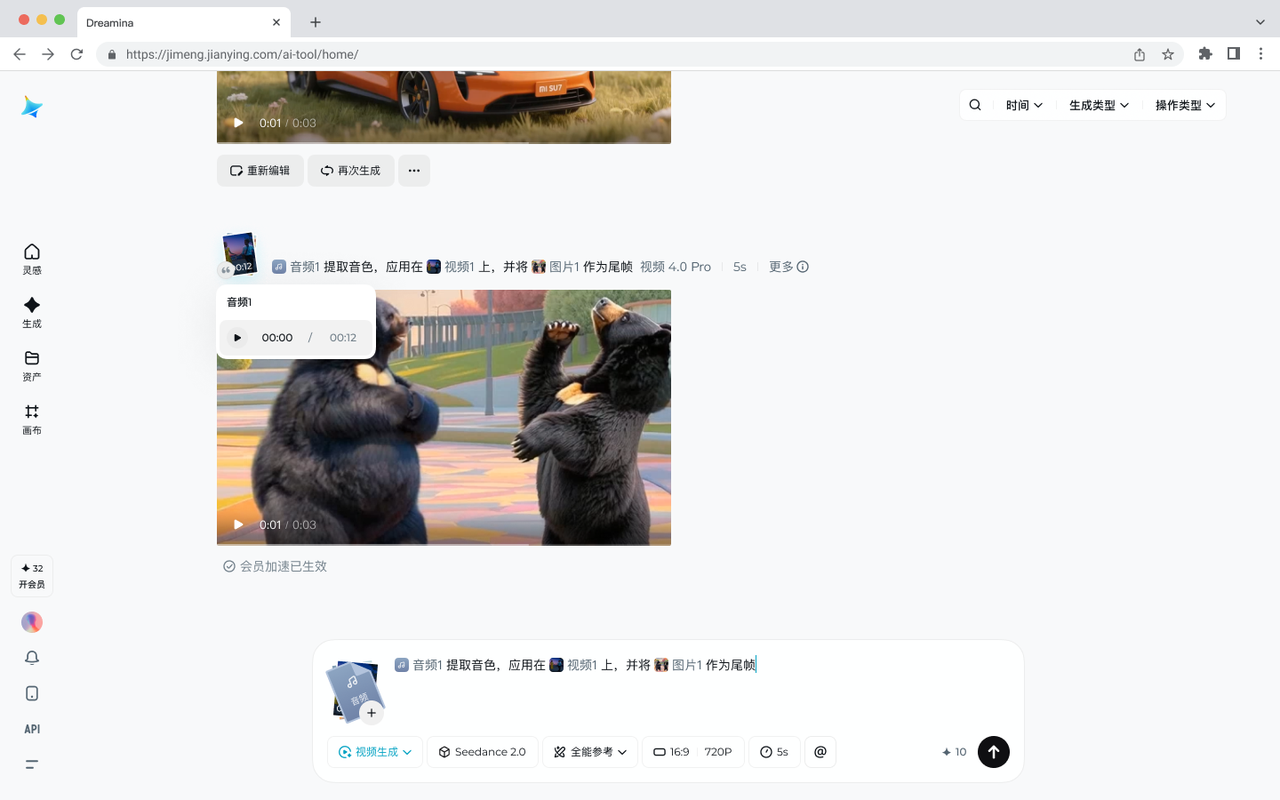
Two Extension Modes:
- Forward Extension (后延): Extends the video forward in time
- Backward Extension (前延): Adds content before the existing footage
Forward Extension Techniques
Use Cases:
- Continuing an action sequence
- Extending a product showcase
- Building narrative momentum
Example Prompt:
@video1 shows an athlete starting to run. Extend forward
for 5 seconds showing the athlete accelerating, with
camera tracking alongside. Maintain the same lighting
and environment.
Best Practices:
- Keep extensions under 5 seconds for best quality
- Ensure the original video has clear directional motion
- Describe what should happen next explicitly
Backward Extension Techniques
Use Cases:
- Adding context to an existing shot
- Creating anticipation
- Establishing scene setup
Example Prompt:
@video1 shows a door opening to reveal a character.
Extend backward 3 seconds showing the character
approaching the door from inside the room, building
anticipation before the reveal.
Pro Tips:
- Describe the lead-up action clearly
- Maintain consistent lighting and camera position
- Use backward extension for dramatic reveals
Enhanced Audio & Voice
Realistic Voice Generation
Seedance 2.0 delivers significantly improved voice quality and lip-sync accuracy:
Voice Features:
- Natural intonation and emotion
- Accurate lip-sync to audio
- Multiple language support
- Character voice consistency
Example for Dialogue:
@audio1 contains a friendly greeting in English.
@image1 shows a 3D cartoon character. Animate the
character speaking with perfect lip-sync, adding
natural head nods and friendly facial expressions
that match the warm tone of the voice.
Audio-Driven Animation
Create content that responds to audio cues:
Music Synchronization:
@audio1 is an upbeat pop song with clear beat drops.
Generate a dance sequence where movements intensify
during chorus sections and slow during verses.
Match energy precisely to the music's rhythm.
Sound Effects Integration:
@audio1 contains footstep sounds. Generate a character
walking sequence where each step perfectly aligns with
the audio footsteps. Add subtle camera shake on each
impact for added realism.
One-Shot Sequences
Creating Seamless Long Takes
One-shot (一镜到底) sequences create immersive experiences without cuts:
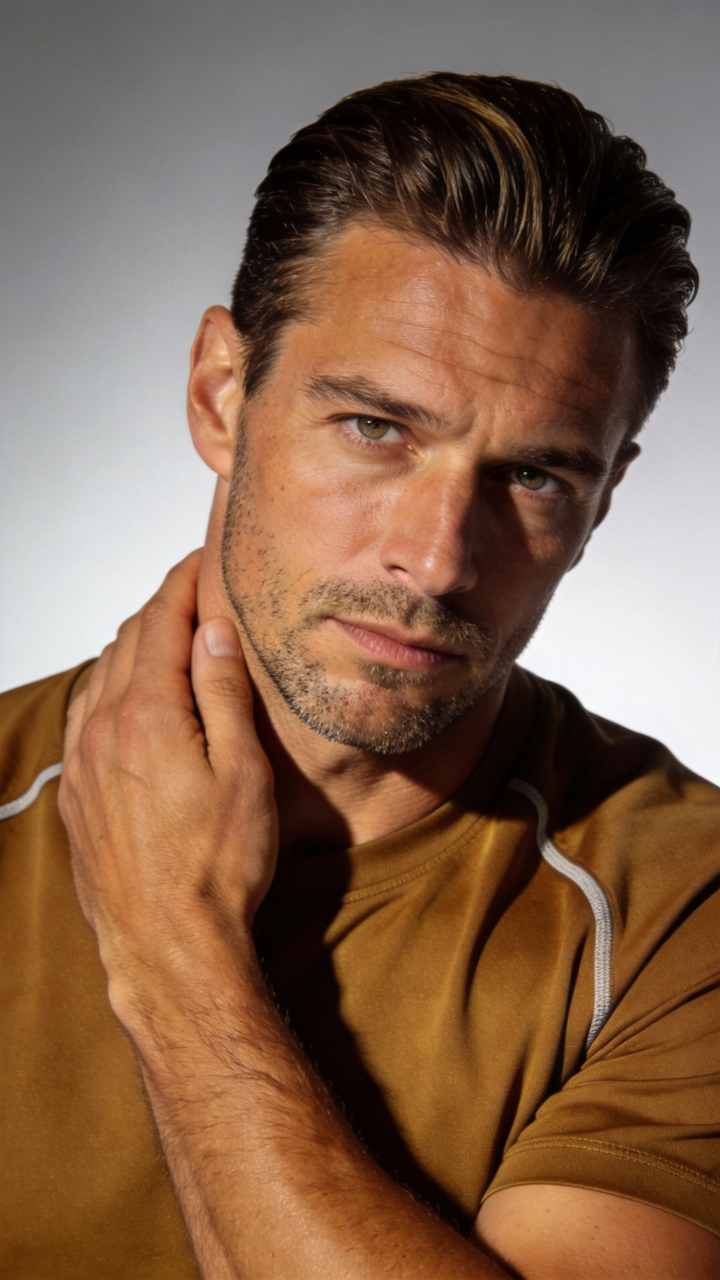
Planning Your One-Shot:
- Define the Journey: Map out the camera path
- Identify Key Moments: Plan what happens when
- Maintain Continuity: Ensure smooth transitions
- Control Pacing: Vary speed for dramatic effect
Example Prompt:
Create a 15-second one-shot sequence: Start close on
a runner's determined face, camera pulls back to reveal
they're on a track, then follows alongside as they
accelerate, finally crane up to show the entire stadium.
Smooth, continuous motion throughout. Golden hour lighting.
Advanced One-Shot Techniques
Environmental Transitions:
One-shot moving through different rooms: Start in a
dark bedroom (character waking up), camera follows them
walking through a bright hallway, ending in a sunny
kitchen. Lighting naturally transitions between spaces.
Time Progression:
Single continuous shot where time accelerates:
Character sits on a park bench, camera slowly orbits
around them while background shows day turning to
night through lighting and sky changes.
Creative Video Editing
Character Replacement
Replace characters while maintaining scene integrity:
Example:
@video1 shows a person dancing in a studio. Replace
the person with @image1 (robot character) while keeping
the exact same dance movements, camera angles, and
studio environment. Maintain perfect motion matching.
Narrative Reversal
Flip the story while keeping visual elements:
Example:
@video1 shows a character looking sad in the rain.
Recreate the exact same scene composition and camera
work, but change the emotion to joyful celebration,
transform rain to confetti, and shift color grading
from cold blues to warm golds.
Style Transformation
Change artistic style while preserving content:
Example:
@video1 shows realistic footage of a city street.
Recreate the exact same camera movement and scene
layout, but transform the visual style to anime
aesthetic with bold outlines, vibrant colors, and
stylized proportions.
Music Beat Synchronization
Understanding Beat Matching
Synchronize visual elements with musical rhythm for maximum impact:
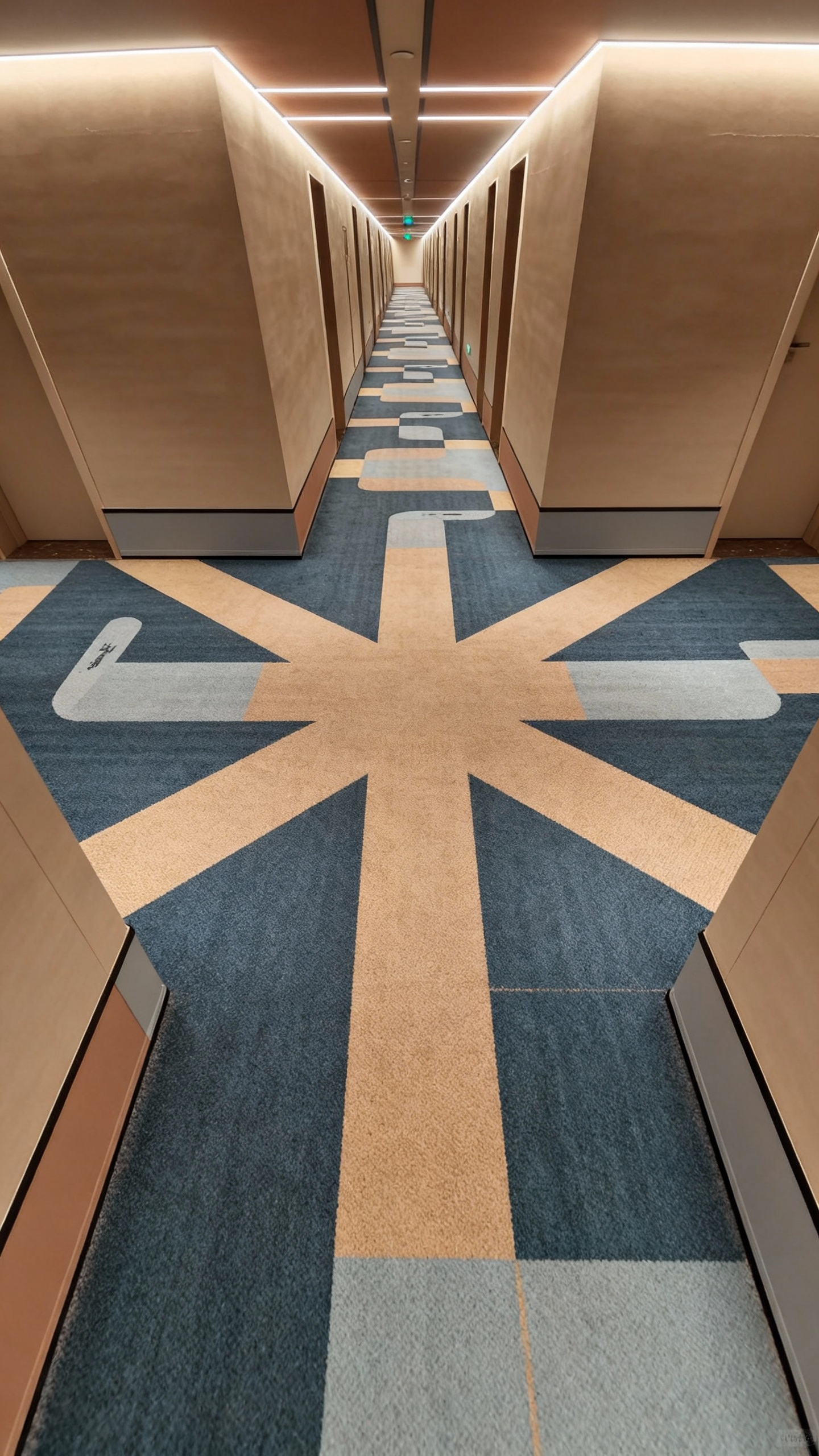
Beat Sync Techniques:
Fashion/Outfit Changes:
@audio1 has strong beat drops every 2 seconds.
@image1 @image2 @image3 show different outfits.
Create a sequence where the model changes outfits
on each beat drop with quick transition effects.
Match the energy of the music.
Action Sequences:
@audio1 is an action movie soundtrack with dramatic
percussion. Generate a fight sequence where each punch,
kick, and impact happens precisely on the beat.
Add camera shake and visual effects timed to music.
Product Reveals:
@audio1 builds to a climactic moment. Create a product
reveal where elements assemble piece by piece following
the music's crescendo, with the final reveal hitting
exactly on the peak musical moment.
Advanced Beat Matching
Multi-Layer Synchronization:
@audio1 has both rhythm and melody. Sync character
movements to the beat (footsteps, gestures) while
camera movements follow the melodic flow. Create
a dance between audio layers and visual elements.
Emotional Expression & Performance
Capturing Subtle Emotions
Seedance 2.0 excels at nuanced emotional performances:
Emotional Range:
- Joy and excitement
- Sadness and melancholy
- Anger and frustration
- Fear and anxiety
- Surprise and wonder
- Contemplation and peace
Example for Dramatic Scene:
@image1 shows a character's neutral face. Create a
10-second emotional journey: Start with confusion
(furrowed brow, slight head tilt), transition to
realization (eyes widening, mouth opening slightly),
end with overwhelming joy (genuine smile, tears forming).
Subtle, realistic facial muscle movements throughout.
Performance Direction
Guide AI like directing an actor:
Method Acting Approach:
Character just received devastating news. Show the
moment of impact: Initial shock (frozen, blank stare),
denial (slight head shake), then emotional breakdown
(tears, trembling). Focus on micro-expressions:
quivering lip, blinking to hold back tears, clenched jaw.
Comedy Timing:
Character realizes they made an embarrassing mistake.
Show: Moment of realization (eyes widen), awkward
freeze (2 seconds of stillness), then exaggerated
nervous laugh while looking away. Comic timing is
crucial - hold the freeze for maximum effect.
Advanced Workflow Strategies
Layered Generation Approach
Build complex scenes in stages:
- Base Layer: Generate core action/scene
- Enhancement Layer: Add effects, lighting adjustments
- Polish Layer: Fine-tune details, color grade
- Audio Layer: Integrate synchronized sound
Reference Library Management
Organize your successful generations:
Categories to Track:
- Camera movements that worked well
- Effective character references
- Successful style combinations
- Proven prompt structures
Documentation Template:
Project: [Name]
References Used: @image1 (character), @video1 (camera)
Prompt: [Full prompt text]
Result Quality: [1-10 rating]
Notes: [What worked, what to improve]
Iteration Optimization
Refine results efficiently:
- First Pass: Generate with basic prompt
- Analyze: Identify what needs improvement
- Targeted Refinement: Adjust specific elements
- Final Polish: Add finishing touches
Troubleshooting Advanced Features
Extension Issues
Problem: Extension doesn't match original video style
Solution:
- Explicitly reference original video's lighting
- Describe environment continuity
- Specify camera behavior should remain consistent
Audio Sync Problems
Problem: Movements don't align with audio beats
Solution:
- Provide specific timestamps for key moments
- Use descriptive timing (e.g., "on the 3rd beat")
- Break complex sequences into smaller synced segments
Emotional Performance Issues
Problem: Expressions look unnatural or exaggerated
Solution:
- Use reference images of real emotions
- Describe subtle muscle movements
- Specify "realistic" or "subtle" in prompts
- Avoid cartoon-like descriptors unless intended
Pro Tips from Expert Creators
- Plan Before Generating: Storyboard complex sequences
- Audio First: Start with audio for music-driven content
- Reference Real Footage: Study professional cinematography
- Iterate Systematically: Change one variable at a time
- Save Everything: Keep all generations for learning
- Community Learning: Share techniques, learn from others
Conclusion
These advanced techniques transform Seedance 2.0 from a simple generation tool into a professional content creation powerhouse. Master video extension for longer narratives, leverage audio for emotional impact, create seamless one-shots for immersion, and synchronize to music for viral-worthy content.
The key to mastery is practice and experimentation. Each project teaches new insights about what works and why.
Ready to push your creative boundaries? Apply these advanced techniques on SeedanceVideo.xyz today. Transform from beginner to expert creator with Seedance 2.0's powerful features.
Join the community of advanced creators sharing techniques and inspiring each other daily.
